GTA 6 Phone: The Apps and What They Do
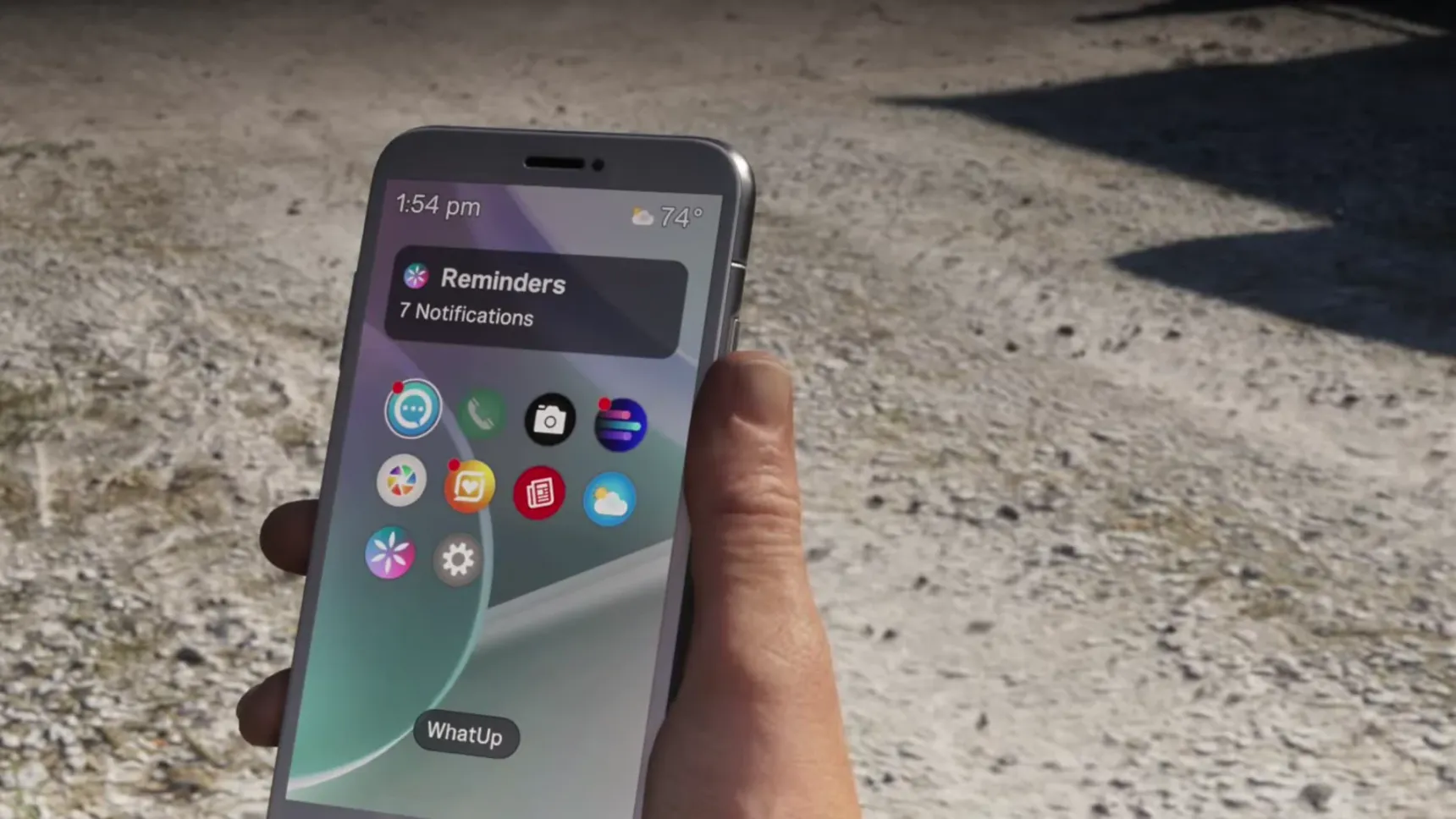
The GTA 6 phone holds the apps that run  Jason's day: WhatUp for messages, Contacts for calls and rides, WAiNK for scanning, BuckMe for money, and Notes and Fitness, with more joining as the story goes on. Its home screen opens on Reminders, your notifications, above the grid of apps.
Reminders and WhatUp
 Brian
 Donnie
Contacts and calls
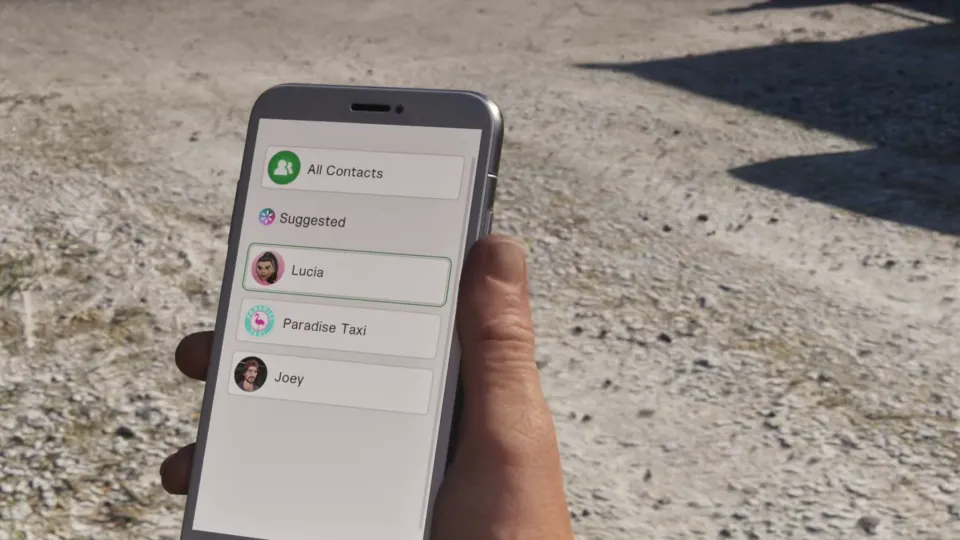
Contacts lists suggested people first, then everyone. A few contacts are services: call Paradise Taxi for a ride anywhere, like home or back to your car (it costs money), and call Joey when the  Ganado needs repairing or bringing to you. The RydeMe app orders a ride too.
You can call Paradise Taxi from your Contacts to get a ride anywhere, like to your house or vehicle
You can use the RydeMe app to order a ride.
Call Joey from your Contacts if the Ganado needs to be repaired or delivered.
WAiNK
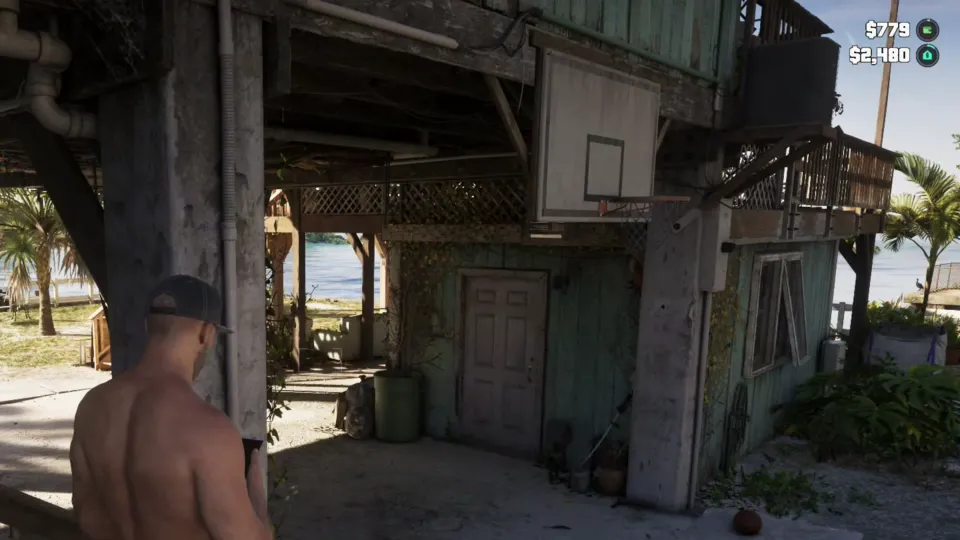
WAiNK scans things. Point it at a car to read its specs and its card (whether it's locked, its security and its tracker) without walking over. It also scans points of interest: WAiNK locations are spread across Leonida, the game tells you when one is nearby, and each scan tells you about the place. A trophy asks for 100 of them.
Hold to open WAiNK on your phone to check a vehicle's specs and info.
There's a WAiNK scan nearby. When in range, hold to open the WAiNK app and scan it.
WAiNK locations can be found across Leonida. Scan each to learn more about them.
BuckMe
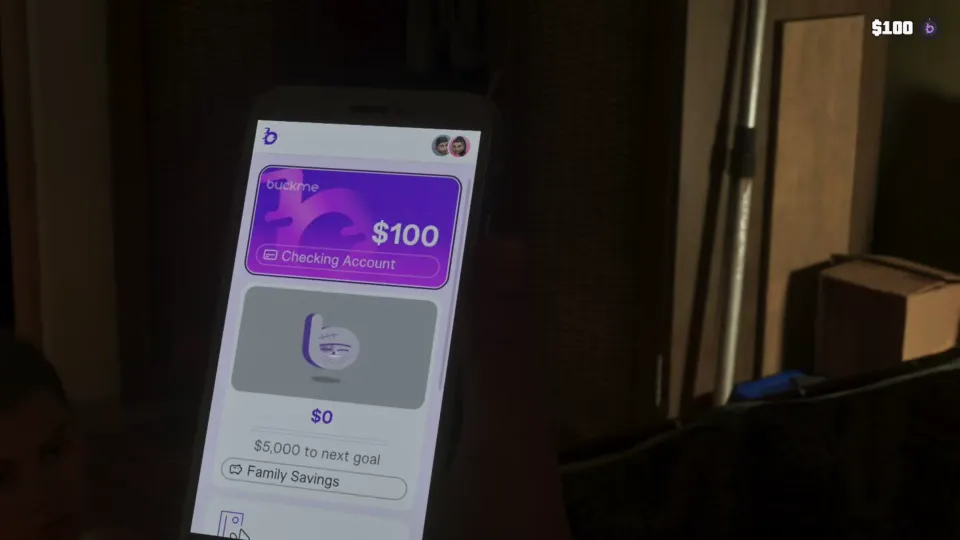
 Fleeca
 Buck Me
My Vehicles, Vice City Real Estate and Scooter Bros
Cars and property get apps of their own in Chapter 2. My Vehicles lists the vehicles registered to you, like  Lucia's
 '97 Penumbra FF once
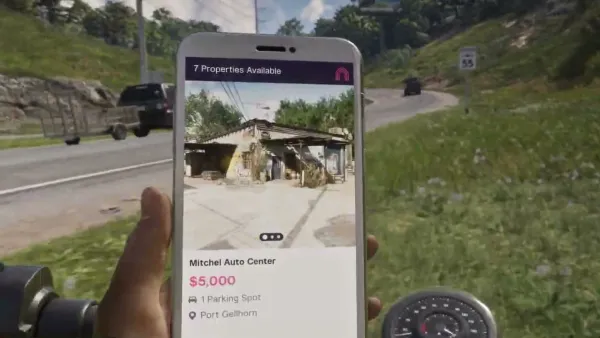
 Moses has done the paperwork. Vice City Real Estate installs itself when Moses lends you his garage, and it sells more garages, each with its price, parking spots and area (see garages and property).
Scooter Bros sits on the same home screen; a trophy asks you to register 10 vehicles in it.
Your garage can store an extra vehicle. Use the Vice City Real Estate app to purchase more properties.
Notes, Fitness and the rest
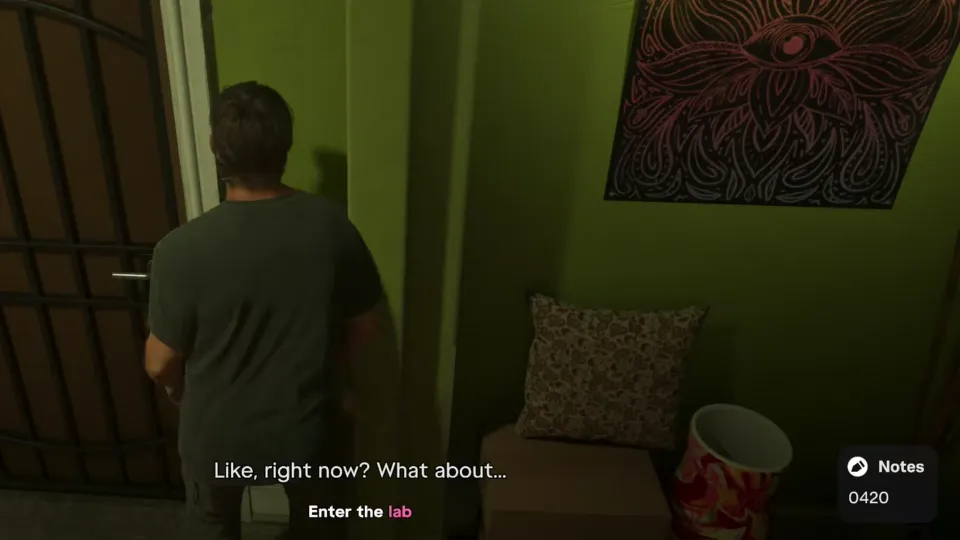
Notes keeps codes you learn, like the door code for the lab in  Lab Fees, so you never have to remember them. Fitness tracks Jason's health: his strength and cardio levels, focus, body and nutrition, and it tells you when he needs to eat or sleep. Camera, Weather and News sit on the home screen too.
Tip: Use the Fitness app to track your health. It will let you know if you need to eat or get some sleep.
The cop scanner
Once a cop scanner is installed, Jason hears the police radio and gets told where units are dispatched.
The scanner is a plugin, listed under the phone's Settings in Third-Party Plugins as cop_scanner, and the key cloner that opens keyless cars installs in the same place (see how to steal cars).
You can now listen in on cop radio frequencies and will be notified of dispatch areas.
Phone cheat codes
Cheats go in through the phone, but not as numbers to dial. Open it with Up on the D-pad, hold L1 and press R1 on PS5 (LB and RB on Xbox), then press the cheat's directions. None of them works until the story is finished, and using one switches off saving and trophies (see all the cheats).