GTA 6 Map Icons and Legend: The Map Index Explained
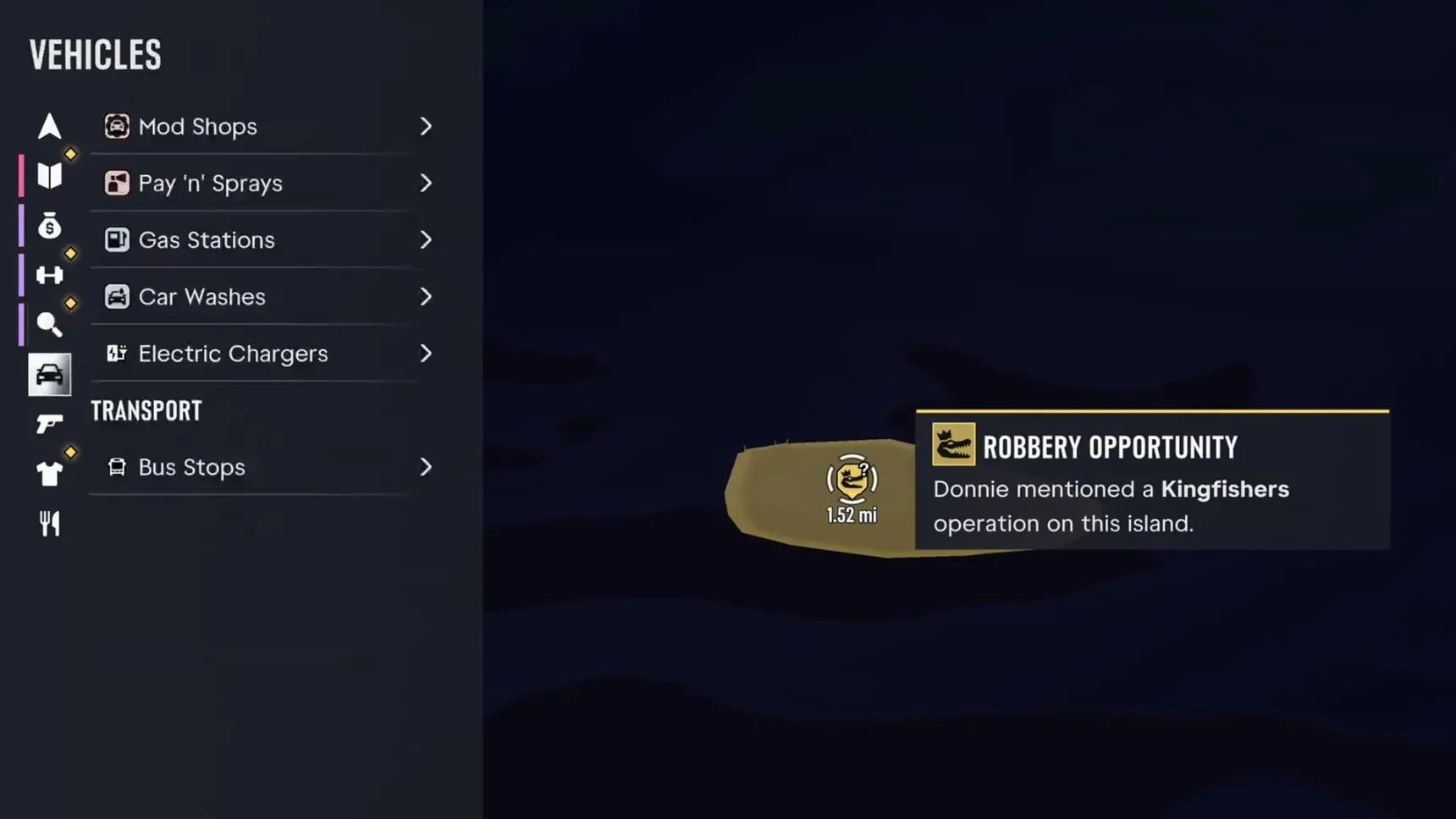
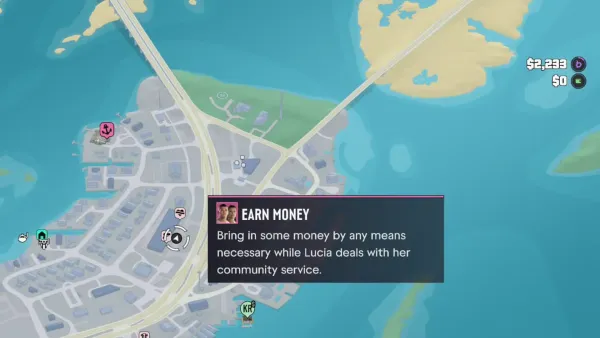
The legend for GTA 6's map icons is the map index, the list down the left of the pause map: nine tabs of tasks and places, each with the icon you'll see on the map, opening onto every spot of that kind you've found. Pick one, set it as your destination, and the index grows as you play.
How to open the map index
Pause and the map opens; the index is the panel on its left, with a column of tab icons beside it. Each tab lists groups, and an entry with an arrow opens a list of the places of that kind.
The controls along the bottom right do the rest: Recenter brings the map back to you, 2D View flattens it, Add Marker drops your own marker, and Set Destination plots a route. A place's card pops up on the map as you pass over it, with what the game says about it.
Check the map index to view tasks and locations you've found across Leonida.
Hold to quickly view nearby tasks and locations.
Personal and Story
Personal is about you: whoever you're playing, their vehicle and the one last driven, your home (Bayside Apartments, 201, once  Jason and
 Lucia live in
 Vice City), impounded vehicles, garages and cash deposits. It's the quickest way to find a car you left somewhere, or one the police took (see what happens when you're busted).
Story lists the tasks open to you outside missions, some marked Optional and some for one character only. Early in the game that means Earn Money, Deposit Cash Into BuckMe and Save for the Future (see bank account); later it fills with jobs like a statue appraisal and money to send to Lucia's tía Lorena.
Robberies
The Robberies tab groups the crime: jobs a contact has tipped you about, like  Dunk's robbery tips, vehicles to steal for
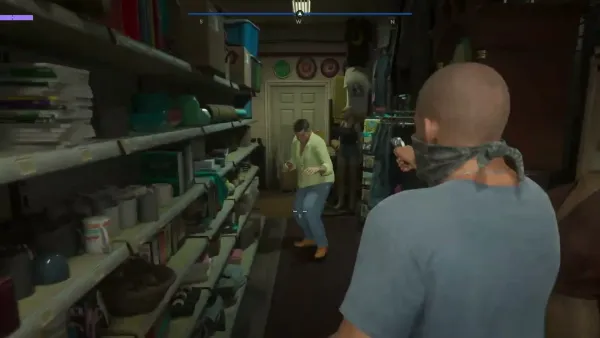
 Moses ("Moses is after a few specific vehicles and will pay extra for them"), Randy's Wish List and, later, Speak to Yasmani for Work and Fence Stolen Goods, then Targets (illegal operations, stick-ups, smash 'n' grabs, payday loans, bank jobs, big bank jobs and, from Chapter 4, towable ATMs) and the drop-offs. Vehicle drop-offs and goods drop-offs are listed apart: in Chapter 1 the goods go to Donnie's Trailer and Brian's Lockup.
See robberies for working through the targets, and selling cars to Moses for the car side.
Activities and Exploration
Activities holds what there is to do for fun or records: racing (BMX Stunt Run, the Thrillbilly Mud Club, the raceways), the shooting ranges, drones, fitness and gyms, hunting and fishing, and Nightlife with its clubs (see nightlife).
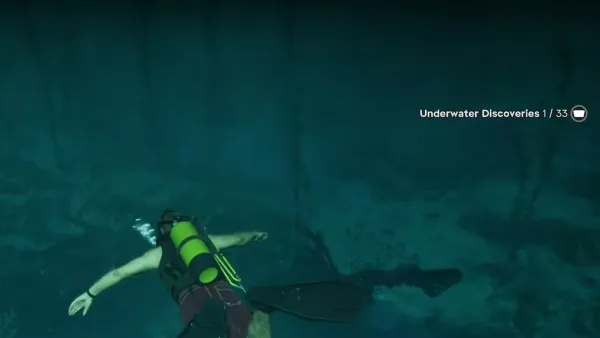
Exploration is for collecting: one-off tasks like searching the dive sites or meditating around Leonida, stunt jumps, the collectors who buy what you find ( Kenton and the pawn shops), and points of interest such as basketball hoops and underwater discoveries (see collectibles).
Vehicles, Ammu-Nations, Style and Food & Drink
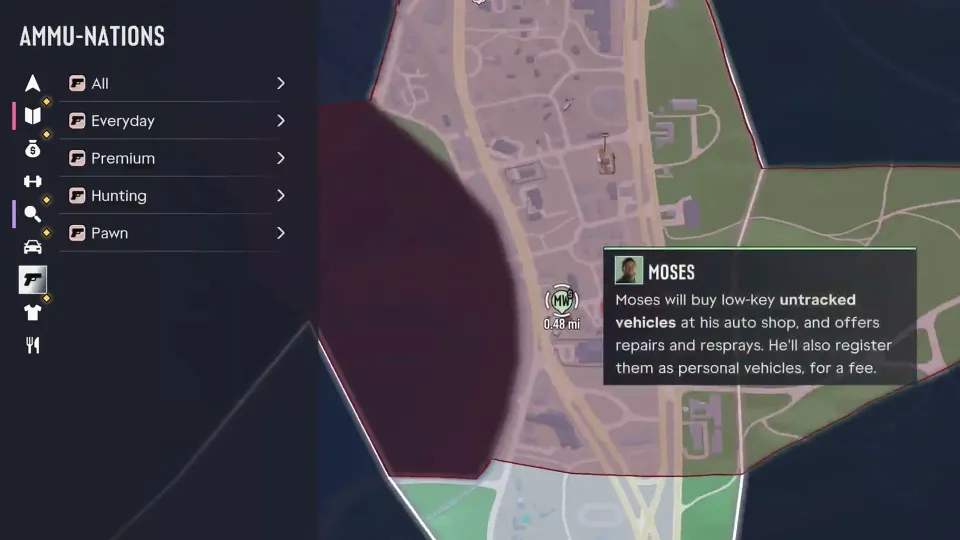
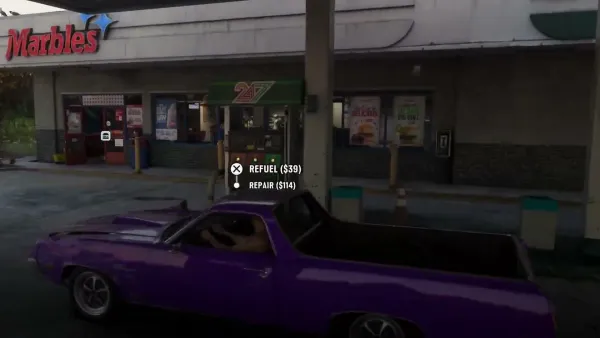
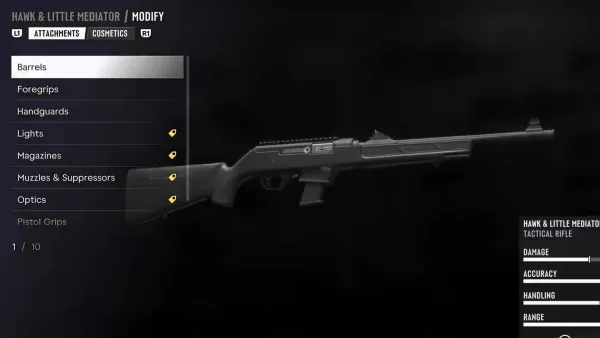
Four tabs are shop directories. Vehicles lists mod shops, Pay 'n' Sprays, gas stations, car washes, electric chargers and garages, with the car drop-offs and the transport stops (see fuel and car repairs). Ammu-Nations sorts the gun shops into Everyday, Premium, Hunting and Pawn; Pawn holds places like Pawn & Gun in  Port Gellhorn (see weapon customization).
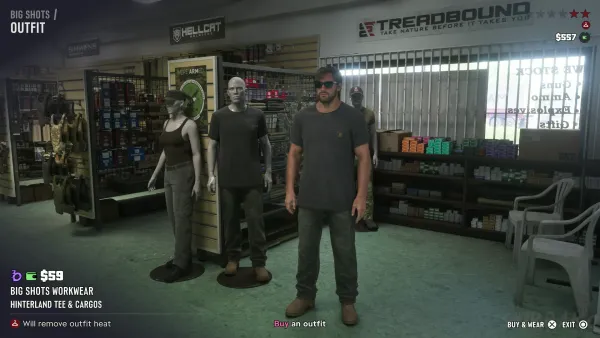
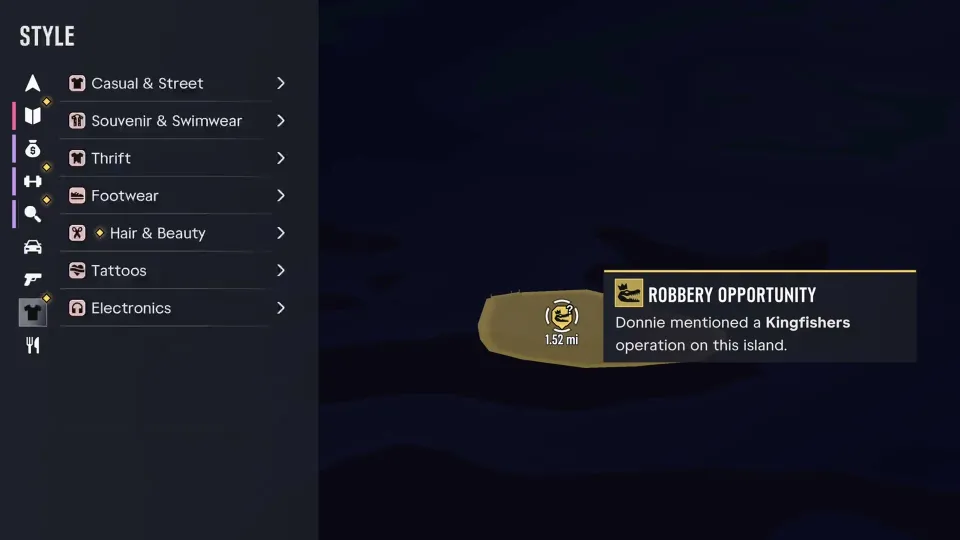
Style covers clothes and looks: Casual & Street, Sportswear, Formal, Souvenir & Swimwear, Thrift, Footwear, Hair & Beauty, Tattoos and Electronics (see outfits). Food & Drink lists convenience stores, fast food, cafes and takeout, liquor stores, bars and street food.
How to set a waypoint
A destination draws its route on the minimap, with the next turn and its distance in the box beside it, Turn Left in 124 ft and so on.
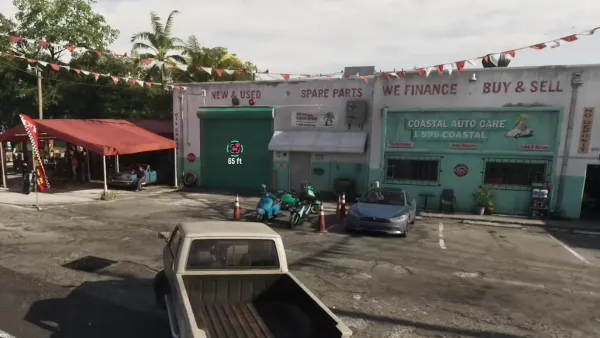
Only one destination can be set at a time, but you can drop as many markers as you like to remember places. Quick navigation sets a destination without opening the map: hold the button for it and press the one shown on a marker you can see in the world.
- Pick a place from the index, or move the cursor onto any spot on the map.
- Choose Set Destination for a route on the minimap and the GPS, or Add Marker to drop a marker of your own.
- To clear it, the same button reads Remove Destination while a route is set.
You can only set one destination at a time, but can add multiple markers to the map to help remember useful locations.
Fast travel: taxis, buses, trains and ferries
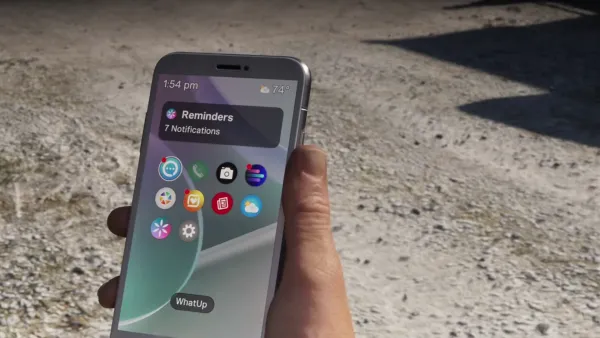
Under Transport the Vehicles tab lists bus stops, train stations and ferry terminals. At a Leonida Intercity stop the game tells you when the next bus is due, and Paradise Taxi can be called from your phone's contacts to take you anywhere, home or back to your car (see phone and apps).
Rental Vehicles are another entry: at Rooster's Rentals by the Thrillbilly Mud Club, which  Thrillbillies sends you to, a
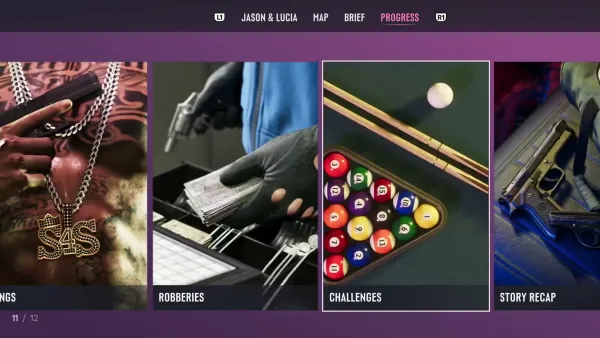
 Maibatsu Sanchez dirt bike rents for $250, its stats shown before you pay. The Progress menu's stats count taxis taken and vehicles rented (see Progress menu).
The next bus is estimated to arrive at 3:14 pm.
You can call Paradise Taxi from your Contacts to get a ride anywhere, like to your house or vehicle.