How to Save in GTA 6: Save Slots, Autosave and Loading

GTA 6 keeps your progress two ways: an autosave the game makes for you as you play, and saves you make yourself. Both live in one place, the Game tab of the pause menu, which also loads a save and starts a new game.
Where to save
Pause the game and go to the Game tab, beside Map, Store, Help, Photo Studio and Settings. It has three options: Save Game, Load Game and New Game. There are 15 slots for your own saves, plus one autosave slot the game fills by itself.
A save made by hand is the one to trust before something risky: a big robbery, a stolen plane, or anything that could leave you busted or dead.
What a save shows
Each save is named after the last mission you finished, with your completion percentage: an autosave made after  Buck Me reads (Autosave) Buck Me (14%). Pick it and you see when it was made, where you were, and a short summary of that mission.
(Autosave) Buck Me (14%)
Jason and Lucia attempt to set up a joint bank account, but their credit isn't good enough. They end up with the BuckMe app instead.
Loading a save
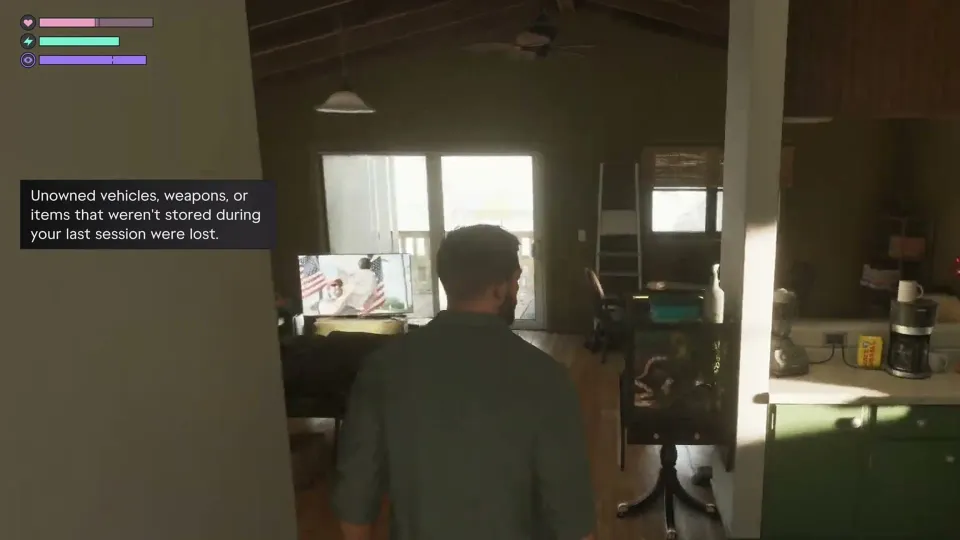
Load Game lists your saves. Choose one and the game asks you to confirm, because anything since your last save is lost.
Loading also clears what you hadn't put away: vehicles you don't own, and weapons and items that weren't stored, are gone when the save comes back.
Load saved game? Any unsaved progress will be lost.
Unowned vehicles, weapons, or items that weren't stored during your last session were lost.
Keep things safe between sessions
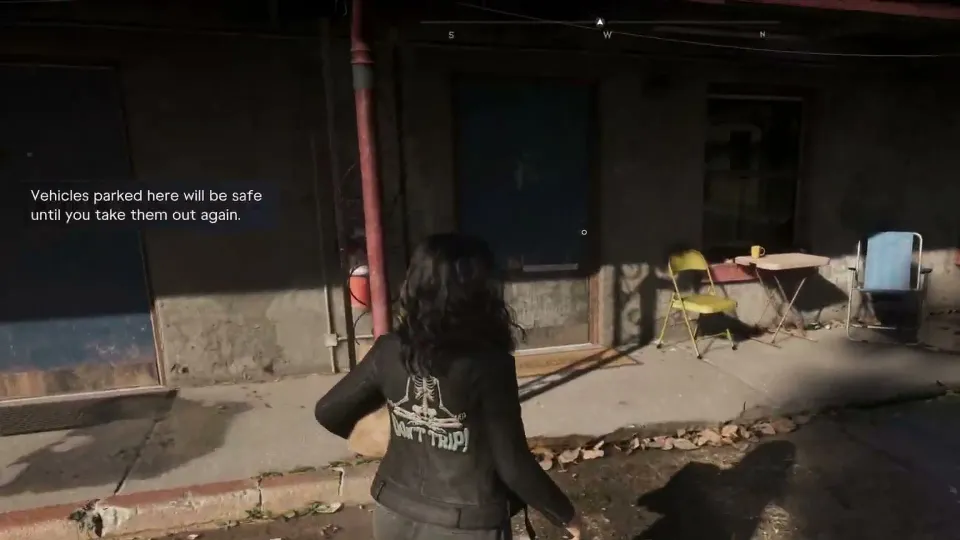
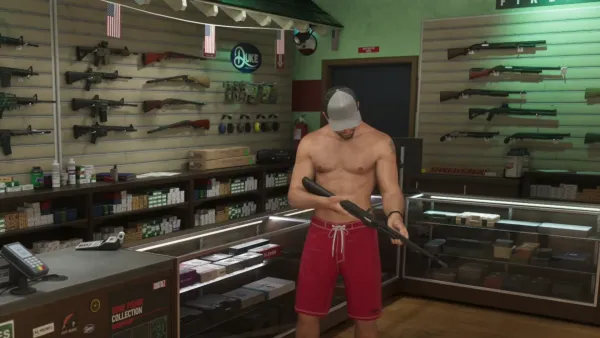
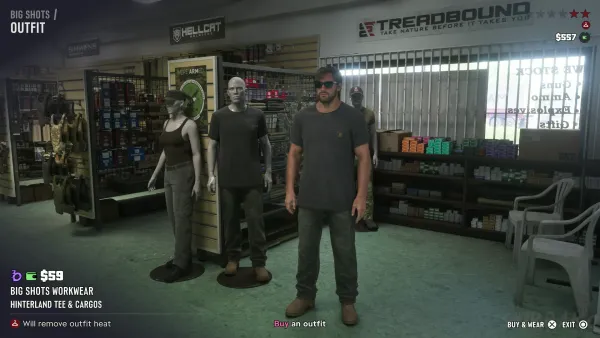
Store what you want to keep before you stop playing. Guns you've bought stay yours, and a weapon locker hands back anything you own (see loadout and weapon lockers). Accessories you pick up are kept once they're saved in your wardrobe (see outfits).
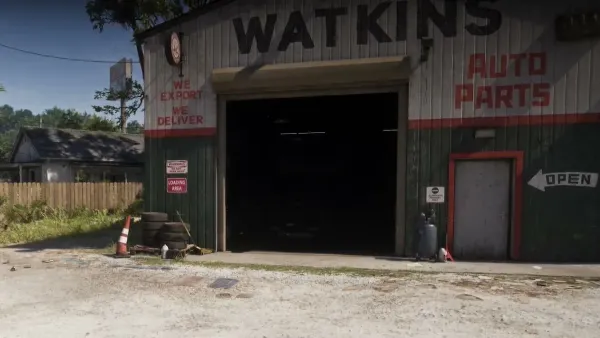
Cars are the easiest to lose. A car you stole isn't yours until it's registered (see selling and registering cars), and even your own is only safe parked where the game keeps it: a garage, or a parking space at your home.
Vehicles parked here will be safe until you take them out again.
Cheats and saving
Cheats open only after the story, and using one switches off saving and trophies. Save first, then cheat in a session you don't need to keep (see the money cheat).