GTA 6 Combat Guide: Melee, Cover, Combat Focus and Stealth
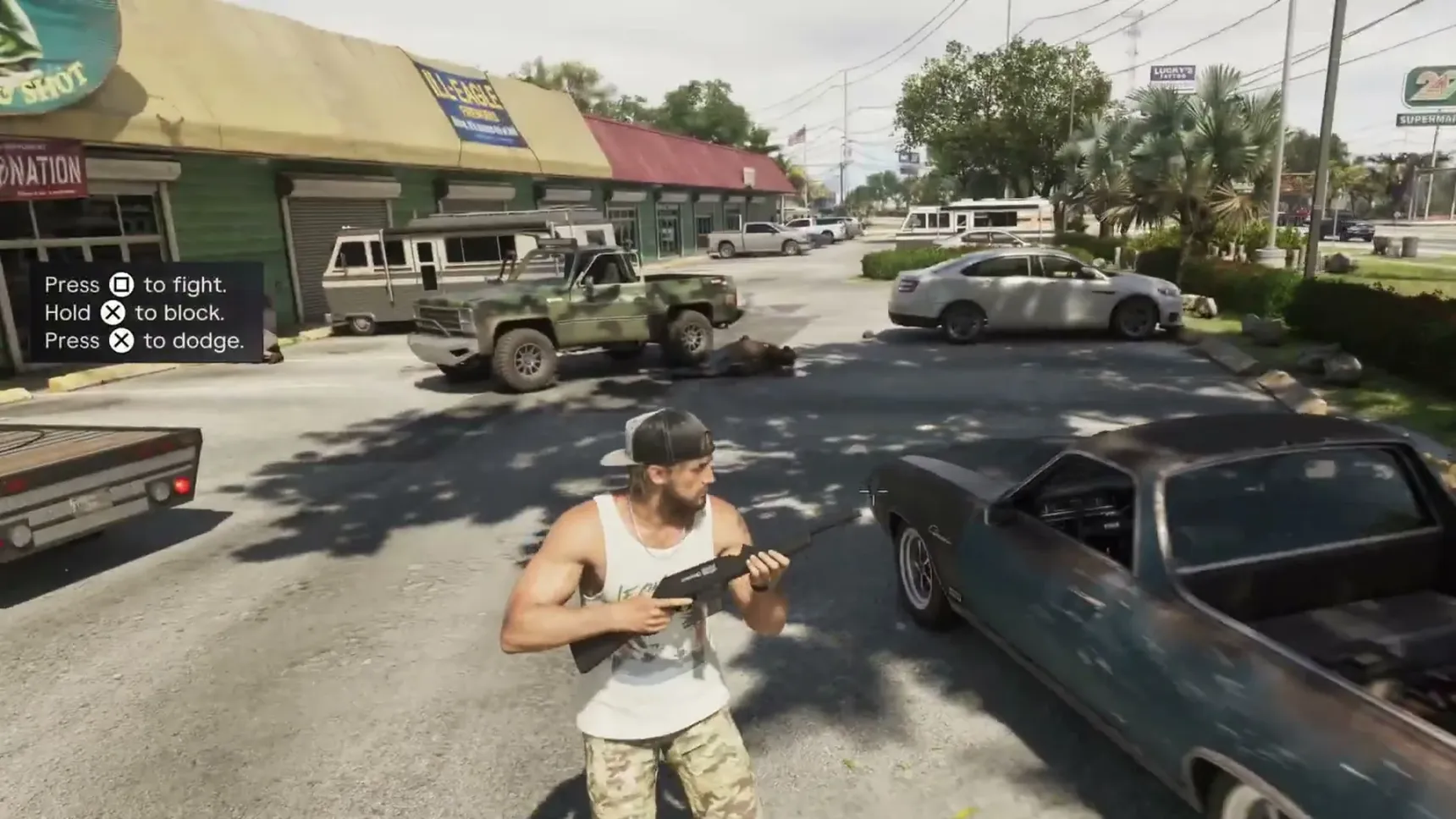
GTA 6 combat comes down to a handful of buttons the game teaches as you go. On PS5, Square throws a punch, X held blocks and X tapped dodges, R1 puts you in cover, and L3 with R3 while aiming starts combat focus. How people go down matters too: incapacitating instead of killing shapes a different criminal profile.
How to fight, block and dodge
Fistfights come early: one breaks out in the shack in  Gone Fishing, and in
 Gear Up Kingfishers jump
 Jason outside
 Chuck's Tackle & Shot. The Help menu keeps the details under Combat & Movement, in Melee Combat and Blocking & Countering.
- Press Square to fight; each press throws a punch.
- Hold X to block a blow you see coming.
- Tap X instead to dodge out of the way.
- Time it right and you can parry: press the button shown just before the attack lands, then follow up with the next one shown to counterattack.
Press before an incoming attack to parry, then follow up with to counterattack.
How to take cover
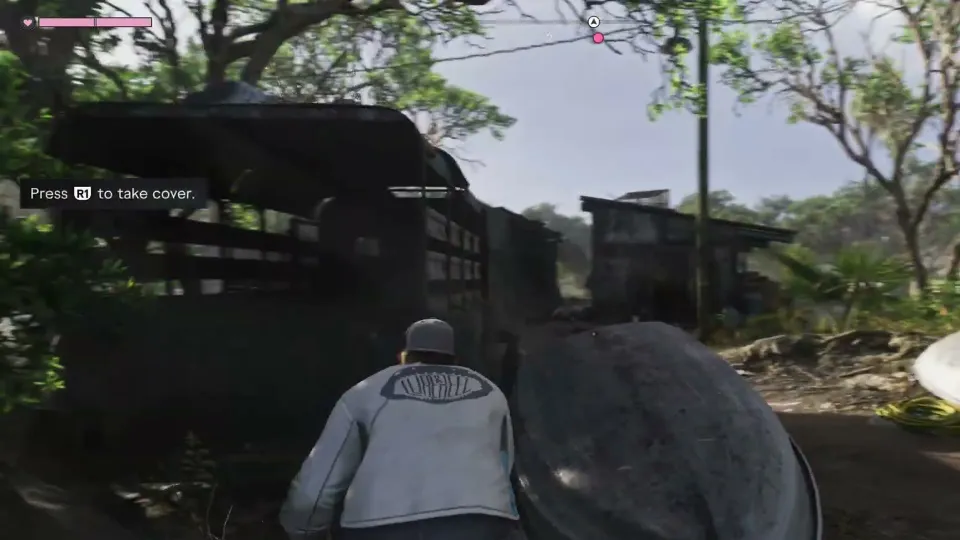
Press R1 near anything solid, a wall, a car, an upturned boat, and you crouch behind it. Gone Fishing teaches it at the camp, behind an upturned boat.
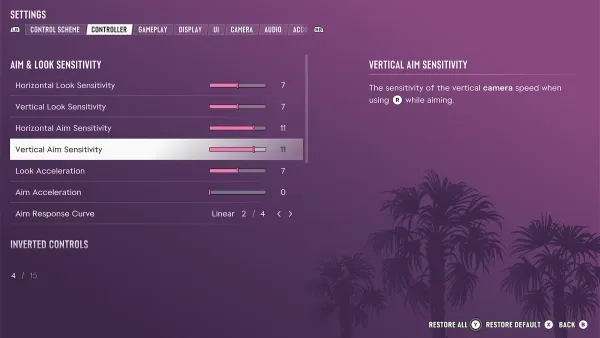
Cover Selection in the settings decides whether the camera's direction counts when the game picks which bit of cover to put you behind (see controls and settings).
Press [R1] to take cover.
Combat focus
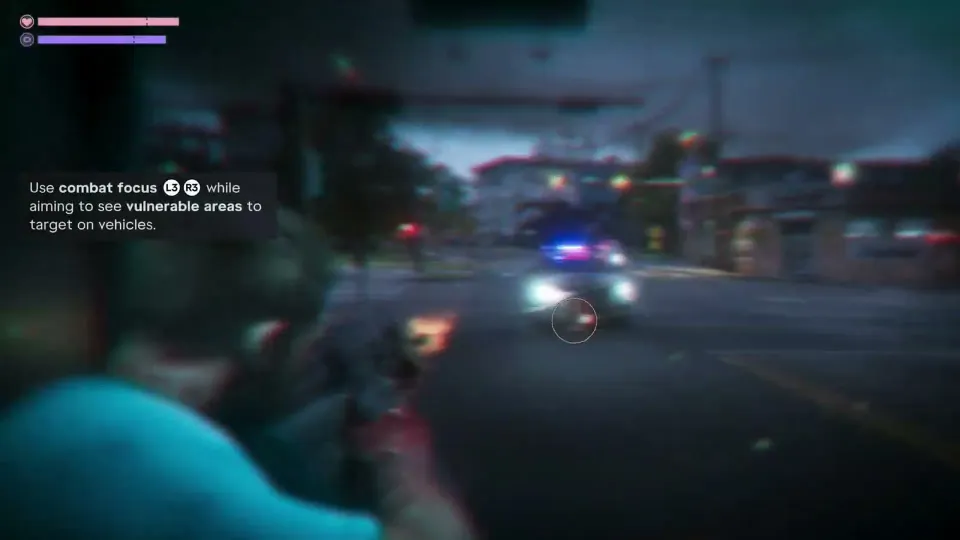
Aim a gun and press L3 and R3 together for combat focus. Time slows, your senses sharpen and the game marks the vulnerable spots on whoever you're aiming at: red areas kill, yellow areas leave the target incapacitated but alive. Aimed at a car, it shows the vehicle's vulnerable areas instead.
It runs on the focus bar, the third bar under health and stamina, and ends when the bar is empty. The bar refills by itself over time, and a shower or a wash at a sink restores it or buffs it (see health, stamina and fitness).
Combat focus sharpens your senses, slows time, and highlights vulnerable spots on enemies.
Shots to red areas are lethal. Shots to yellow areas are non-lethal but will incapacitate the target.
Non-lethal shots
Not every fight has to end in bodies. A shot to a yellow area takes the target out of the fight without killing them, and incapacitations landed during combat focus count toward a hardened profile.
It's the safer way to deal with the police in particular: killing officers makes the response more aggressive, while incapacitating them, or hitting their body armor, keeps the stakes where they are (see wanted level and heat).
Incapacitating targets with non-lethal shots will take them out without killing them.
Incapacitation hit markers on enemies during combat focus will contribute to a hardened criminal profile.
Suppressing fire
Shots don't have to hit to help. Some enemies, police among them, hold back when bullets are landing near them, which buys you time to move to the next cover or reach a car.
Some enemies can be suppressed and held back if they come under fire.
Stealth
Crouch and move quietly to stay hidden. Gone Fishing asks for it at the camp, which is best looked over through binoculars before you go in. The Help menu has a Stealth & Movement section of its own beside Combat.
Crouch and move quietly to stay hidden.
Move quietly and stay out of sight to avoid detection.
Combat settings, holstering and quick swap
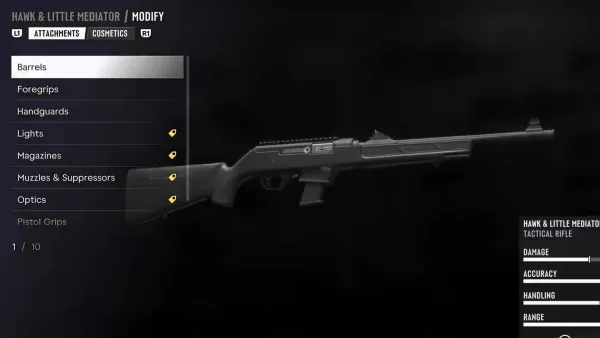
One press equips or holsters the gun in your hands, and holstering matters: a visible weapon draws the police (see loadout). The Help menu covers the rest of gun handling under Quick Weapon Swap, Precision Aiming, Swapping Shoulders and Using Explosives.
The Gameplay tab of the settings has a Combat group. Targeting sets the lock-on (on Partial, your aim drifts toward a nearby target but never locks), Aim Assist Strength slows the reticle on a target, Shooting Assist helps track targets close by, and there's a Drive-By Assist too. Quick Draw draws your last weapon (with two longarms, the off-hand one), and Holster in Vehicle, set to automatic, puts a drawn gun away by itself after a short time in a vehicle out of combat.
Press to quickly equip or holster your gun.