How to Get a Bank Account in GTA 6 (BuckMe)
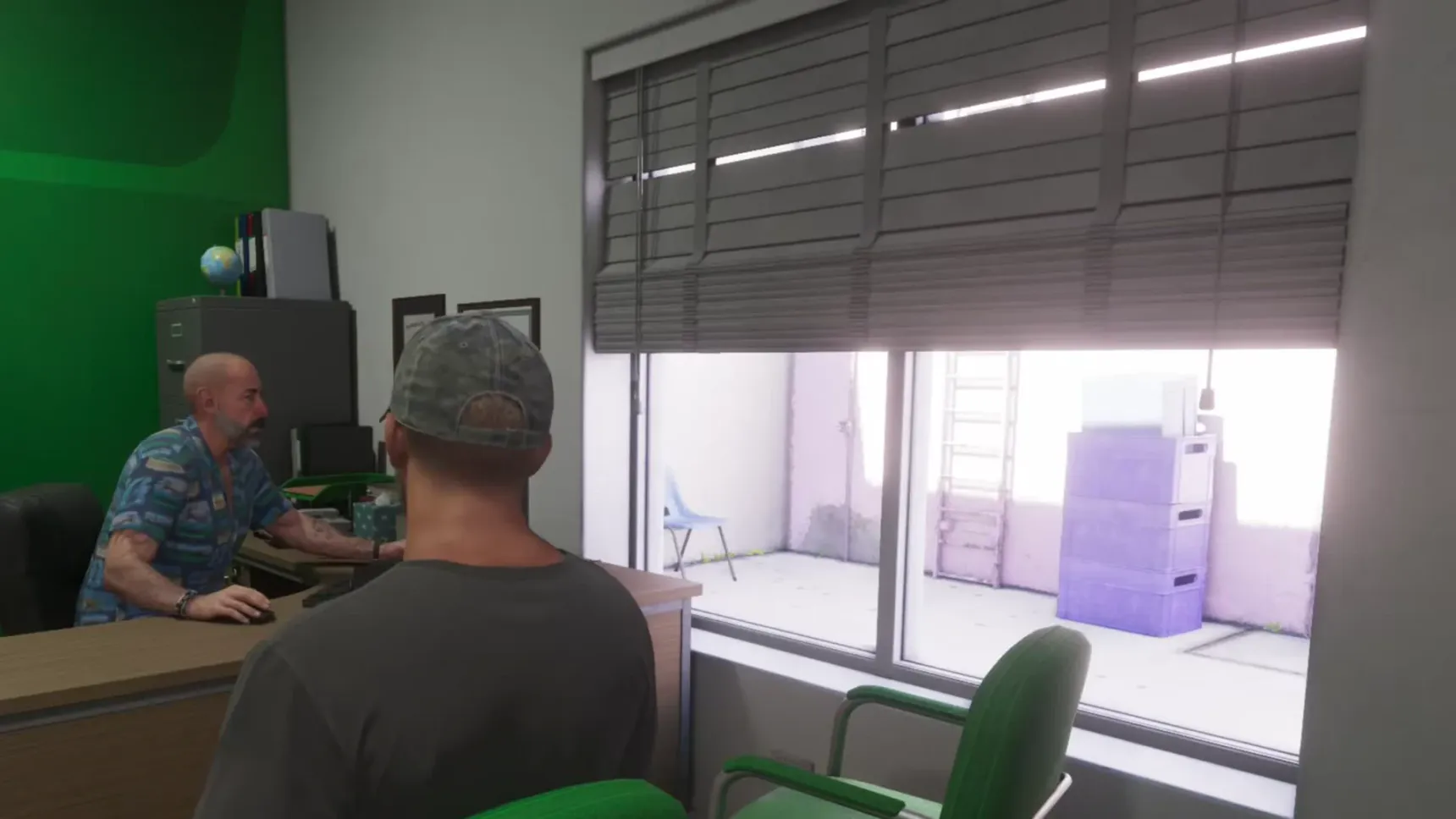
You get a bank account in GTA 6 in the story mission  Buck Me: after
 Lucia comes home, she and
 Jason go to a
 Fleeca branch for a loan and walk out with BuckMe, Fleeca's payment app, instead. Until then some gun shop items stay out of reach, locked behind the account.
How to get a bank account
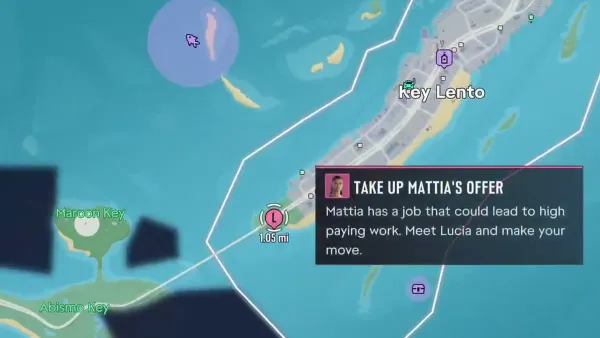
The map's task Set Up Bank Account opens after Lucia comes home: she needs an account to receive her community service pay, and Jason has never had one either. Meet her at the Fleeca nearby and play Buck Me. With their credit, the manager can't give them a mortgage or a normal account; the best he can do is BuckMe, Fleeca's payment app, which has transaction limits.
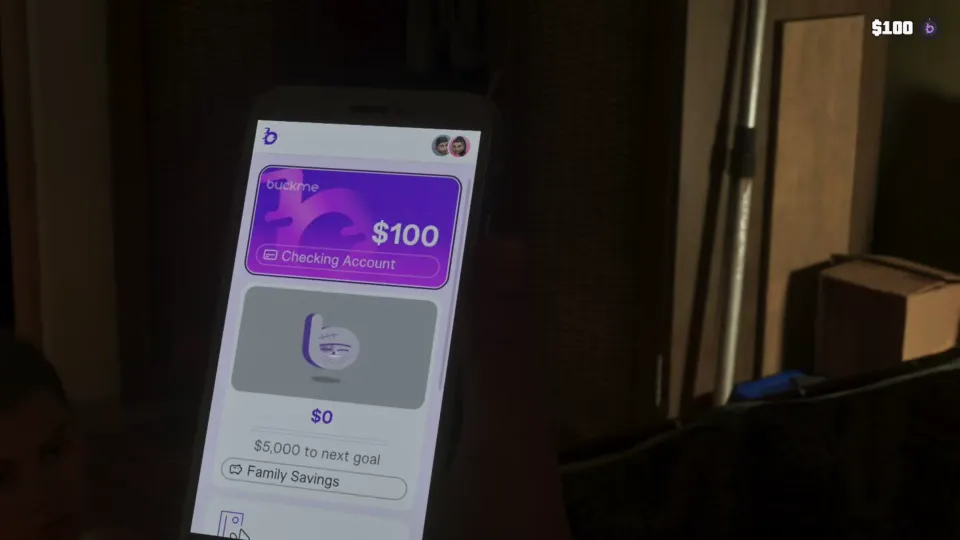
BuckMe welcomes Jason with $100 in his new Standard Checking Account. From then on, items marked as needing a bank account can be bought.
- Finish
 Coming Home, the mission where Jason picks Lucia up from prison.
- Follow the Set Up Bank Account task to the Fleeca bank.
- Play Buck Me: talk to the manager, follow him and sit down.
- The app is on the phone when the mission ends, with $100 in the checking account.
Welcome to BuckMe, the payment app from Fleeca! Here's $100 for your new STANDARD CHECKING ACCOUNT to start things off...
The Family Savings account
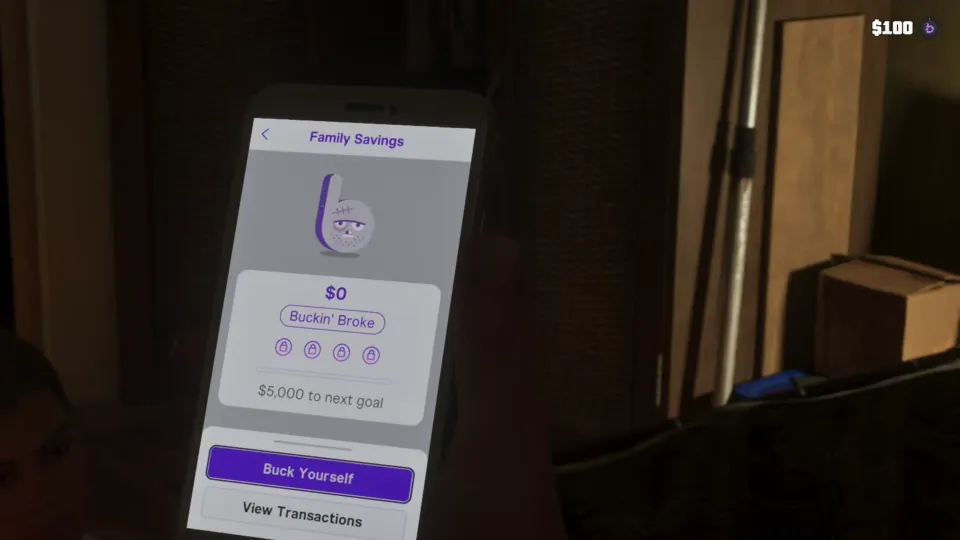
Back home, Lucia finds out the app can hold a joint savings account, and the game walks you through moving money into it: open BuckMe, pick the checking account, choose Buck Yourself and send money to Family Savings. It's money put away for Tommy.
Think before you send anything. Money in Family Savings can't be taken out again: only named beneficiaries can touch it. It earns interest when you meet its savings goals, and the first goal is $5,000. The app shows how far away the next goal is.
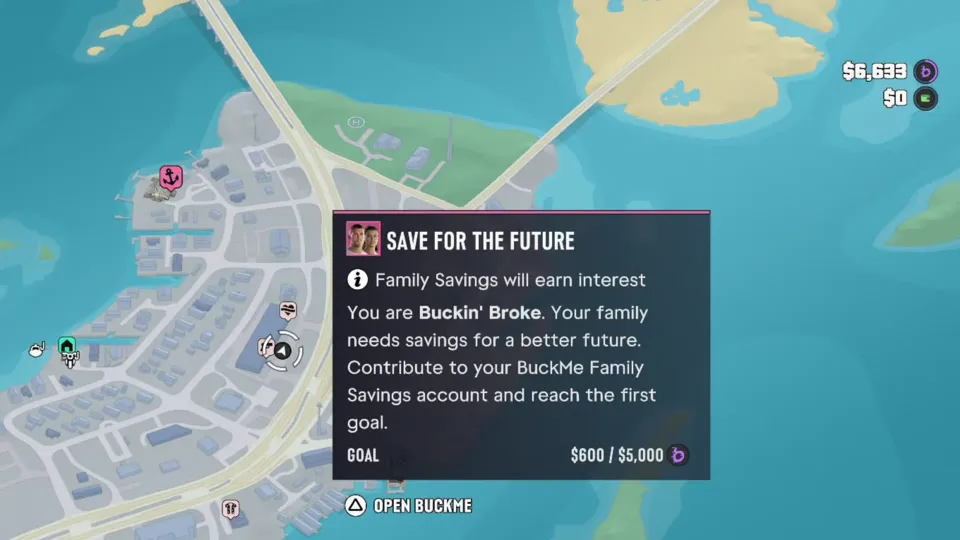
The map's task Save for the Future tracks it too: it reminds you that Family Savings earns interest, calls you Buckin' Broke until the savings grow, and shows how close you are to the first goal. Open BuckMe straight from the task's card.
It's also the one place money survives the end of Chapter 1, when Jason's checking account is emptied for his hospital bills (see missables).
- Open BuckMe on the phone.
- Select your checking account.
- Select Buck Yourself.
- Move money into the Family Savings account and confirm.
You will not be able to withdraw once transferred. Are you sure?
Depositing cash at an ATM
With an account, any ATM in Leonida takes cash deposits. That's the quickest way to protect a big pile of cash: money in the account is safe from arrest and death, the same as money in the stash at home, but you don't have to drive back to the Keys.
People can also pay you through the app:  Brian sends Jason his cut by BuckMe after
 Down to Earth.
You can now deposit cash into BuckMe at an ATM instead of using your stash.